How to Print Bookmarks So They Come Out the Right Size
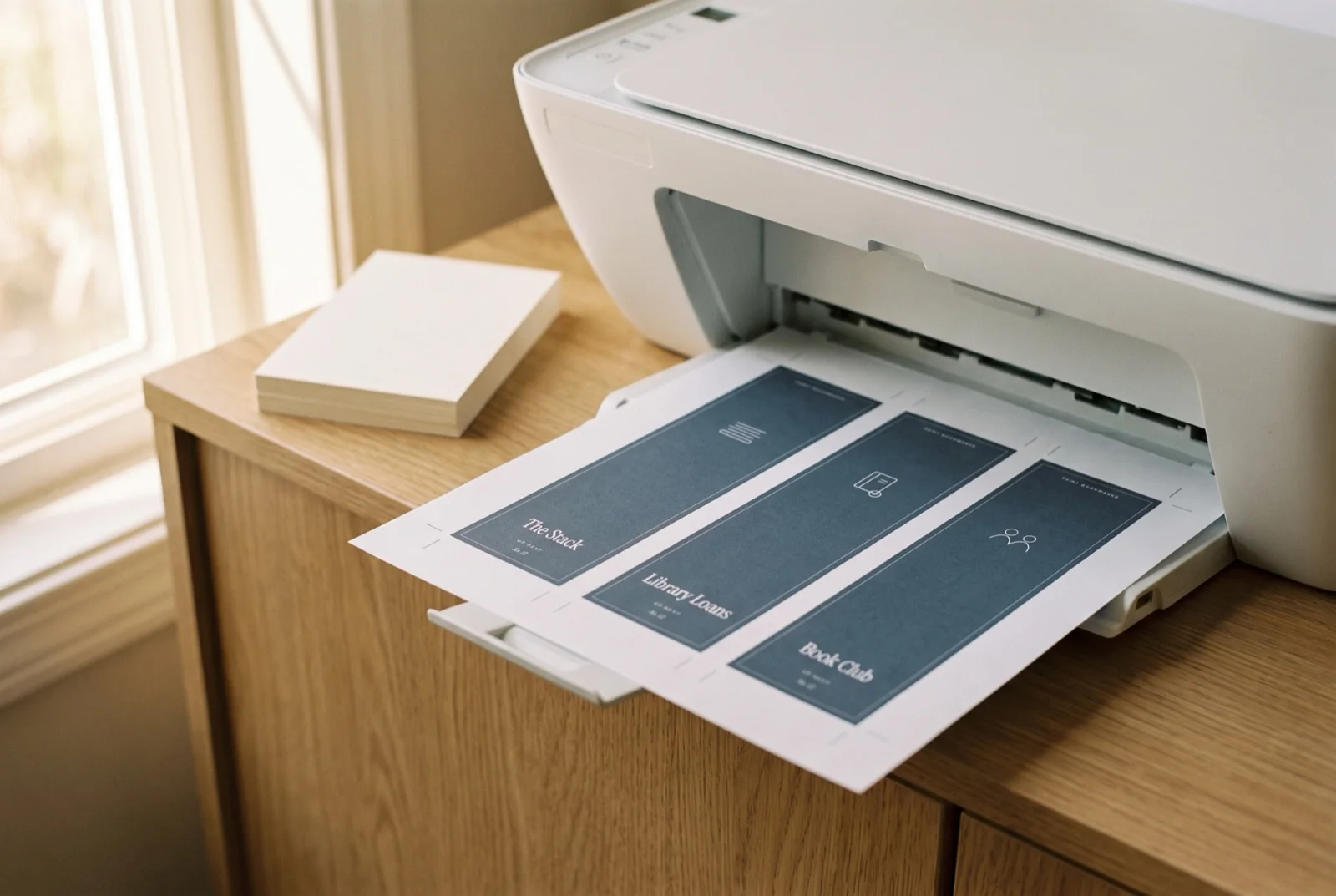
Print bookmarks at actual size, 100%, never fit to page. That one setting spoils more sheets than any other, because a fitted page shrinks every bookmark a little and pushes the back off the front. The rest is a short checklist down the print dialog, in the order the dialog asks, with a plain-paper test before the cardstock goes in.
Most print dialogs ask the same questions in roughly the same order, so this checklist follows that order. Work through it once on plain paper. The cardstock sheets afterward come out at 2 by 7 inches, four to a sheet, with every back behind its own front.
- Paper size. The paper in the tray, US Letter or A4, and the size the PDF was made for.
- Scale. Actual size or 100%, never fit to page or shrink to fit.
- Paper type and quality. Cardstock or heavy paper, best quality, in the tray or slot your manual names for that weight.
- Both sides. Flip on the long edge, or two single-page jobs when the printer grays out duplex on card.
- Borderless. Off.
- Test. One sheet of plain paper, held up to a window, before any cardstock goes in.
Paper size
Pick the PDF made for the paper in your tray, then set the dialog's paper size to match it. A US Letter file on A4 paper, or the other way round, makes the printer crop an edge or shrink the page without asking. A4 is narrower and taller than Letter by enough to matter at bookmark width.
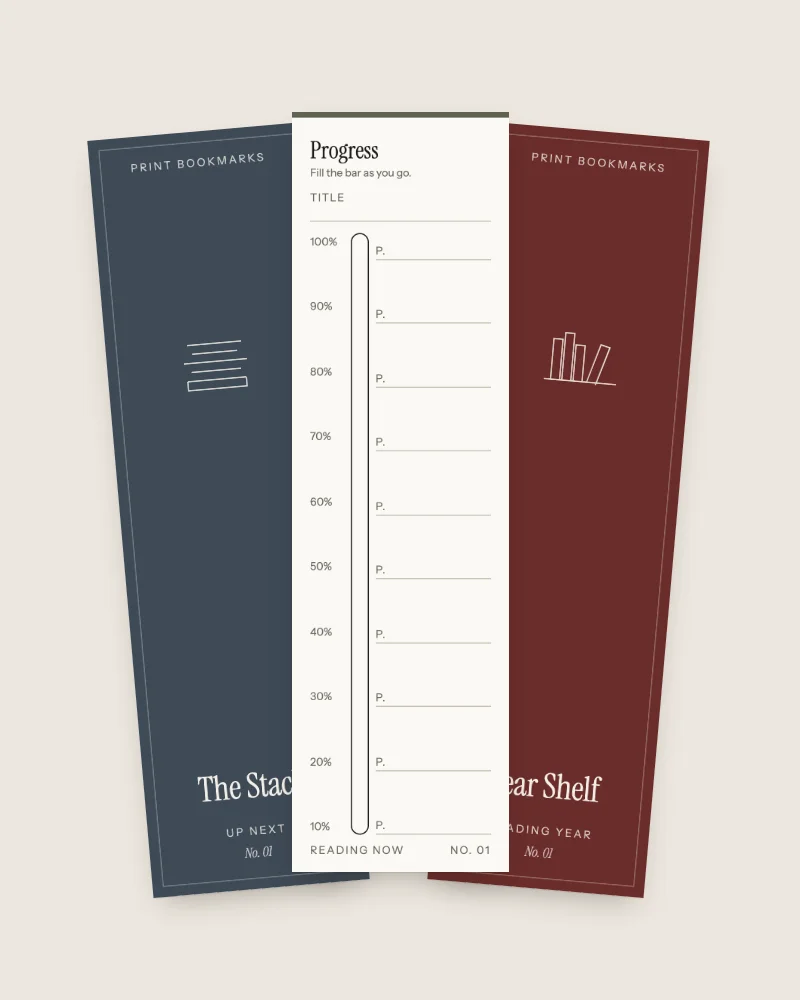
Our Free printable bookmarks come as a US Letter or an A4 PDF, chosen with the Download button, with cut marks on the sheet. On Letter each bookmark trims to 2 by 7 inches, on A4 to 50 mm by 7 inches, four to a sheet. If you drew your own in a word processor, check the page size there too, since a document set to A4 comes out shrunken on Letter. Still deciding how wide to draw it? The standard bookmark size, and when to change it, has a guide of its own.
Scale
Set the scale to actual size or 100%. Most PDF viewers offer fit, shrink oversized pages or actual size, and fit is often the default. A fitted page is scaled down to sit inside the printer's margins. Every bookmark then comes out a little short and narrow, and the cut marks no longer sit where the back of the sheet expects them.
The check takes a ruler. Print one sheet on plain paper and measure a bookmark between its cut marks. It should be 7 inches tall on either paper size and 2 inches wide on Letter. Anything shorter means the scale moved. Browsers print PDFs through a dialog of their own, so when a sheet comes out small from the browser, open the file in a PDF viewer and print from there. Look at the scale once more after you change the paper type.
Paper type and quality
Tell the dialog what you loaded, cardstock, heavy paper or the closest name your driver uses, and pick the high or best quality setting. The paper type decides how much ink goes down and how slowly the sheet moves. Cardstock printed on the plain-paper setting comes out lighter than the screen showed it.
Matte cardstock of about 65 lb cover, 176 gsm, feeds through most home printers, often through the rear slot or manual feed while the main tray stays for plain paper. The limit is in your printer's manual under paper or media specifications. The Brother HL-L2350DW specifications, for example, list 60 to 163 g/m² for the paper tray and 60 to 230 g/m² for the manual feed slot, one sheet at a time. On that printer the card goes through the slot.
Choose cardstock your printer can feed before you pick a pack, and choose matte for anything you plan to write on. FedEx Office says of its own bookmark stocks that coated and gloss options are not recommended for handwriting.
Both sides
Flip on the long edge, the option some drivers call long-edge binding or book style, for any bookmark with a back. The strips run the length of the sheet, so turning it like a book page lands each back behind its own front. A short-edge flip prints every back upside down, with the headings at the wrong end.
Two settings in this part of the dialog catch people. On Canon's TS6300 series, choosing borderless grays out two-sided printing, so leave borderless off. Home printers keep a white margin around the sheet anyway, so nothing you need should sit at the very edge. The same Canon manual says that when a media type other than plain paper is selected, duplex printing is grayed out and unavailable.
On cardstock, then, print the front as one single-page job and let the ink dry. Reload the sheet the way your test sheet came out, and print the back as a second job. The guide on how to print double sided walks through that reload on Windows and Mac. Our coloring bookmarks carry an optional reading log as page 2, chosen in the download, and it prints the same way, page 2 on the back. A child who only wants the picture can print page 1 alone.
A test on plain paper
Print one full sheet on plain copy paper before the cardstock, both sides if the bookmarks have a back. Hold it up to a window. The front outlines and the back outlines should meet, and a bookmark should measure 7 inches between its cut marks. A drift of a few millimeters points to scale or paper size. Backs that come out upside down point to the flip.
Before you reload the test sheet for its second side, pencil a small arrow on the top edge, pointing up. When the sheet comes out again, the arrow shows how your printer turned the page, and you load the cardstock the same way. One sheet of copy paper costs a minute and saves a sheet of card.
How to print bookmarks at a copy shop
A copy shop is the answer when your printer refuses the card or you want a guillotine cut. Bring the PDF and ask for actual size, a long-edge flip and matte cardstock. FedEx Office's copy service offers a 100 lb matte cover stock and says most printed documents are ready the same day or within 24 hours. Staples document printing lists cardstock among its papers and cuts to custom document sizes.
For 50 or more identical bookmarks, a school or an author does better with a custom bookmark order of their own design. FedEx Office lists those at 2.25 by 8.25 inches, in quantities of 50 to 10,000. Our four-to-a-sheet PDFs are the wrong fit for that job.
Cut the long edges first
Cut once the ink is dry, long edges first. The long cuts separate the four strips, and a whole strip is easy to hold straight for the two short cuts that trim its ends. Cut the short ends first and you are left squaring up four small rectangles with nothing to hold.
A paper trimmer gives the straightest line. A metal ruler and a sharp craft knife on a cutting mat do the same job. A fresh blade cuts 65 lb card in one pass, and a dull one drags and tears. Where a design is filled to its cut line, cut exactly on the mark, since a cut that wanders leaves a white sliver. The hole comes last. Punch through the dotted circle at the top of each strip, and the tassel or ribbon goes through it.
Sources
- Brother, HL-L2350DW Specifications (n.d.) (last checked 2026-10-02)
- FedEx Office, Custom Bookmarks Printing (2026) (last checked 2026-10-02)
- FedEx Office, Copies & Custom Document Printing (2026) (last checked 2026-10-02)
- Staples, Document & Copy Printing (n.d.) (last checked 2026-10-02)
- Canon, PIXMA Manuals TS6300 series, Duplex Printing (2019) (last checked 2026-10-02)